
The Audit Comes First
The wizard starts from what is actually missing, not from a generic accountant template.
AI wizard
The audit finds the gaps. The AI wizard scans the listing, builds a plan, and walks it in order: profile fixes, categories, services, photos, then posts. The last screen is a projected score, not a surprise publish.


 +Accountancy practices across the UK
Wizard
Projected
92
The wizard starts from what is actually missing, not from a generic accountant template.
A category change and a new description should not land in the same unreadable diff.
There is no point scheduling updates on a listing that still has the wrong services.
The audit comes first. The wizard then builds a plan and walks it in order. You accept a step, or you skip it. Nothing publishes as one unreadable pile of changes.
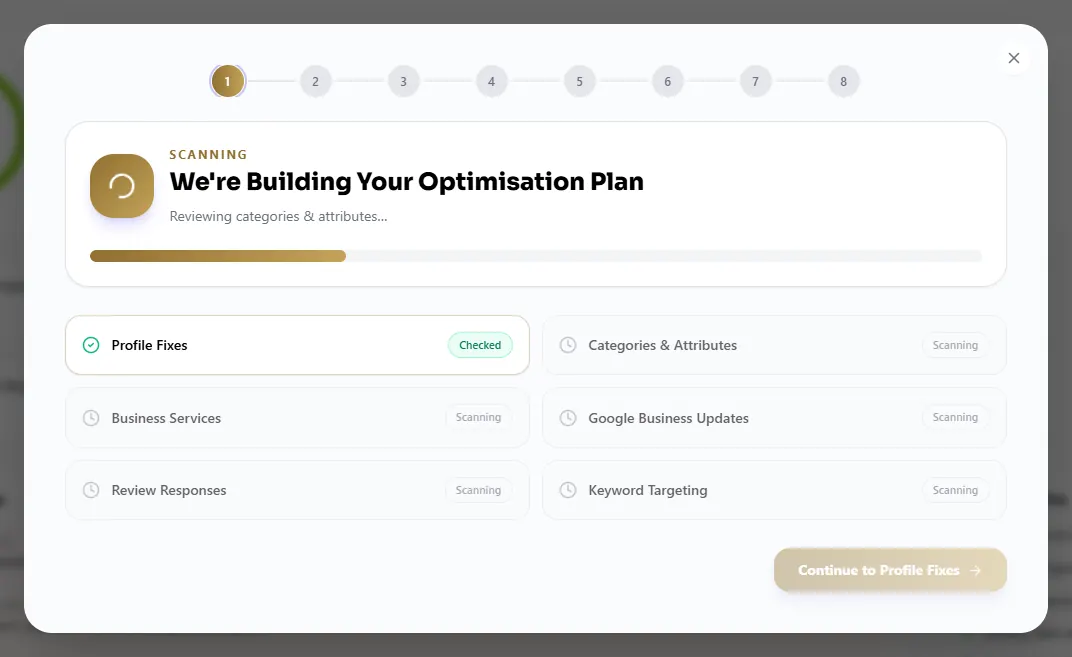
01 · The scan
The first screen is a scan, not a rewrite. The wizard looks at the Google Business Profile you connected and builds the plan from what is actually missing.
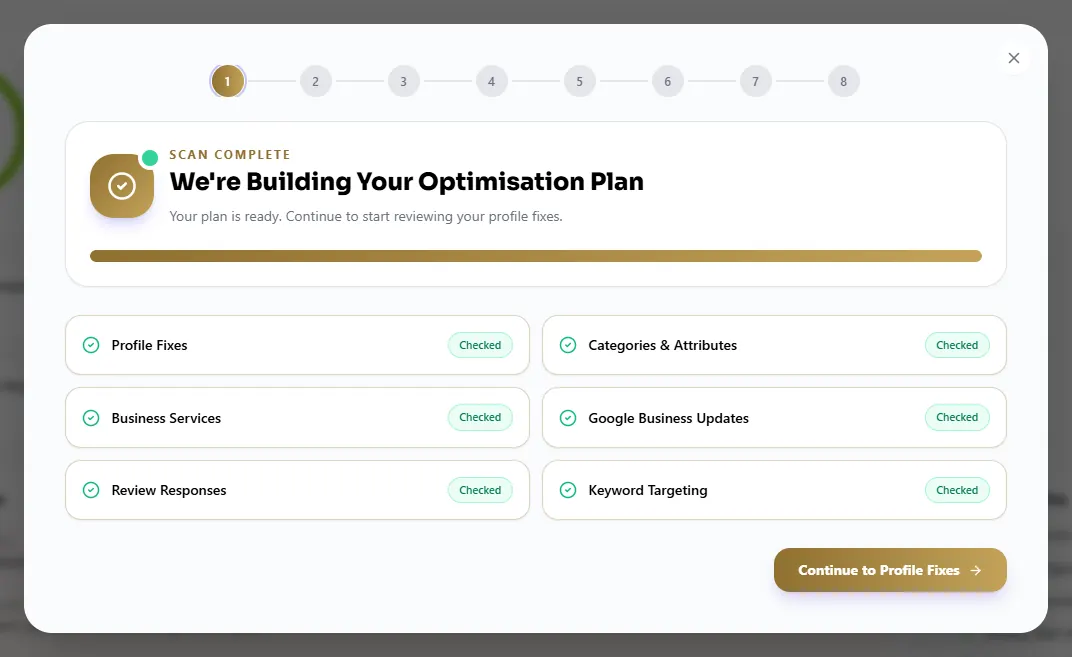
02 · The plan
Profile fixes, categories, services, photos, then posts. A practice manager can see the sequence and decide where to start. Posts do not jump ahead of a missing category.
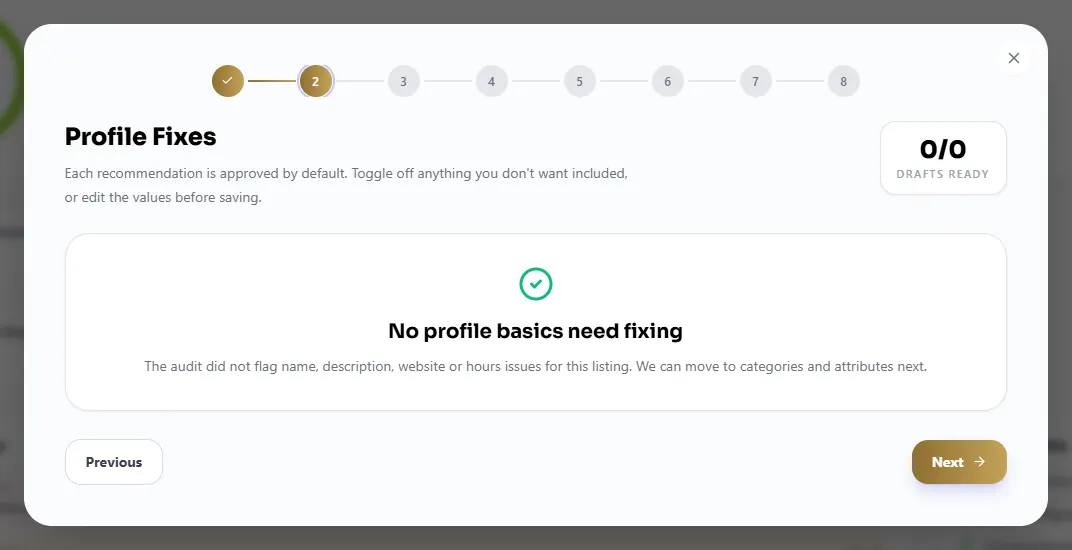
03 · Profile fixes
The description step asks for a clear summary of the practice, the town, and the work you want to be hired for. It is a draft you edit. It is not permission to give tax advice.
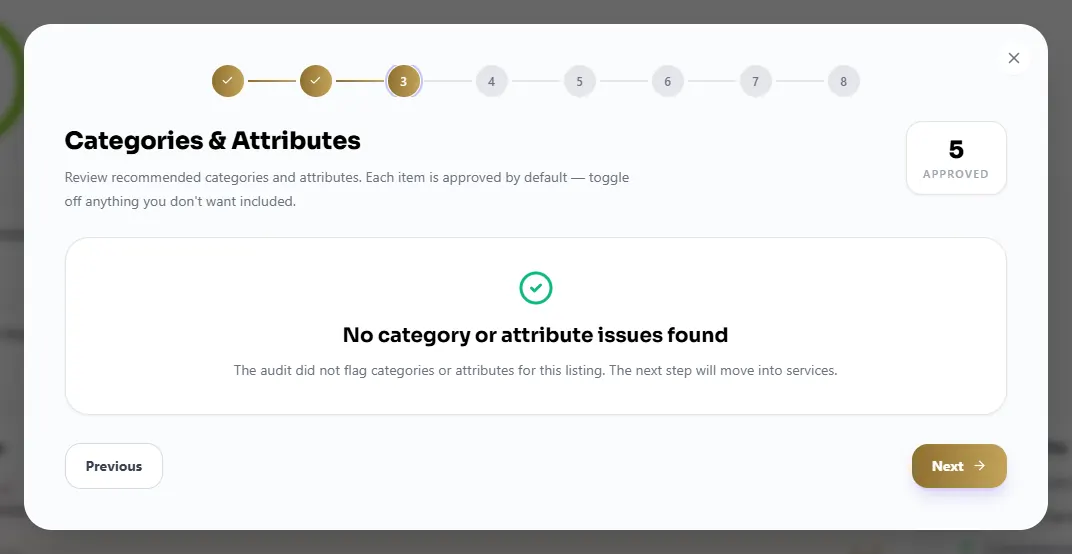
04 · Categories
Primary category should be Accountant. Extra categories are for services you actually deliver. Attributes sit on the same step, so the listing stops looking like a generic office.
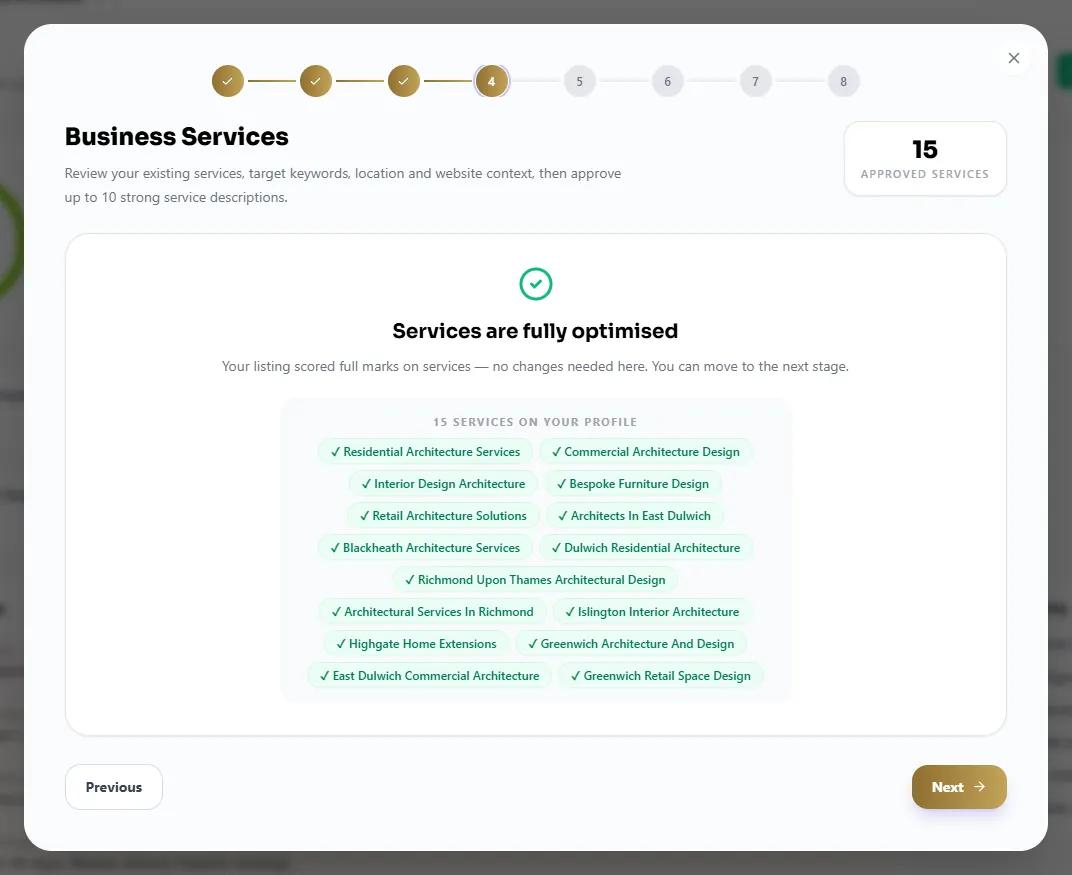
05 · Services
Year-end accounts, VAT, payroll, self assessment, limited companies. Each service can carry a short description. These are the phrases people type. Internal job codes are not.
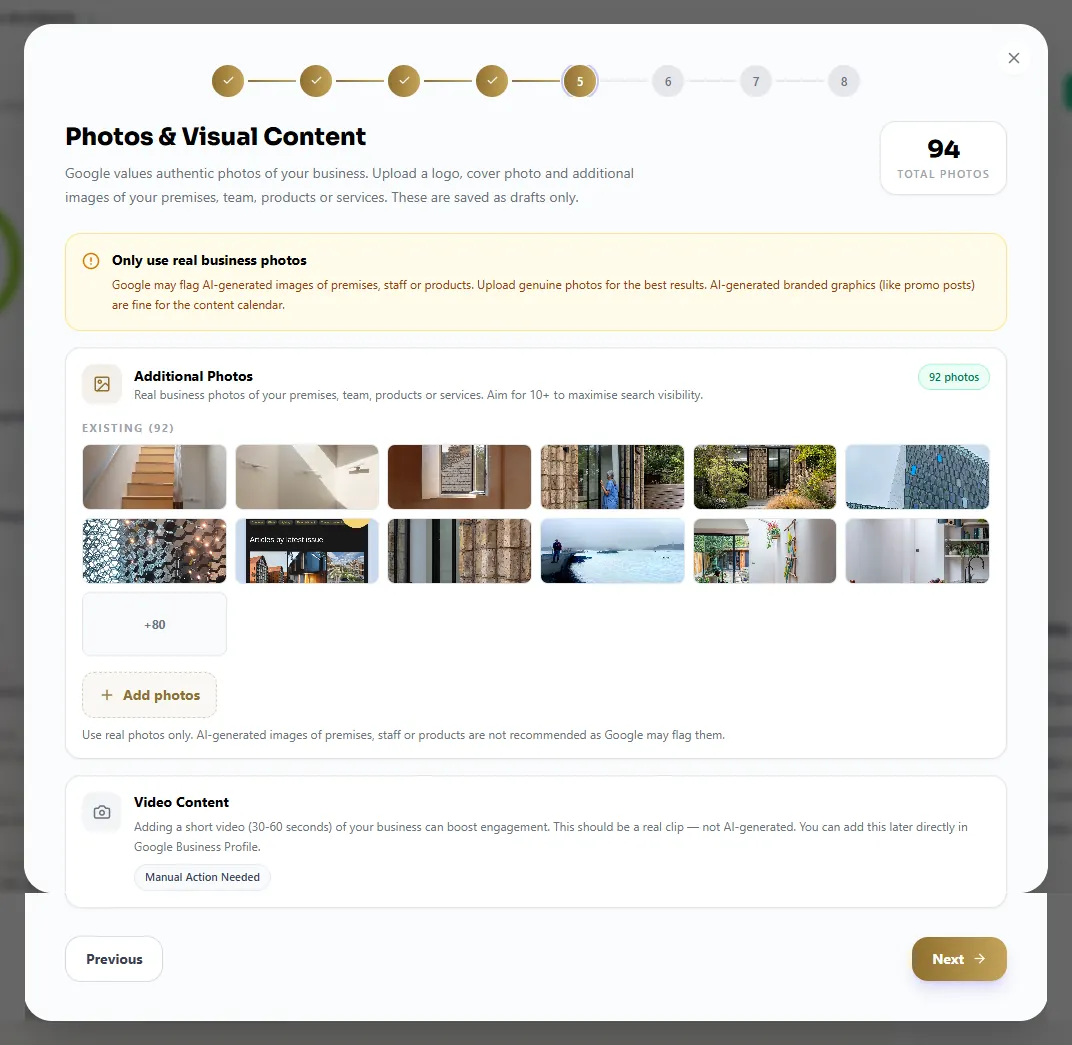
06 · Photos
Logo, cover and the photos of the office or the people clients will meet. The wizard flags a thin gallery. A listing with no faces is easier to scroll past.
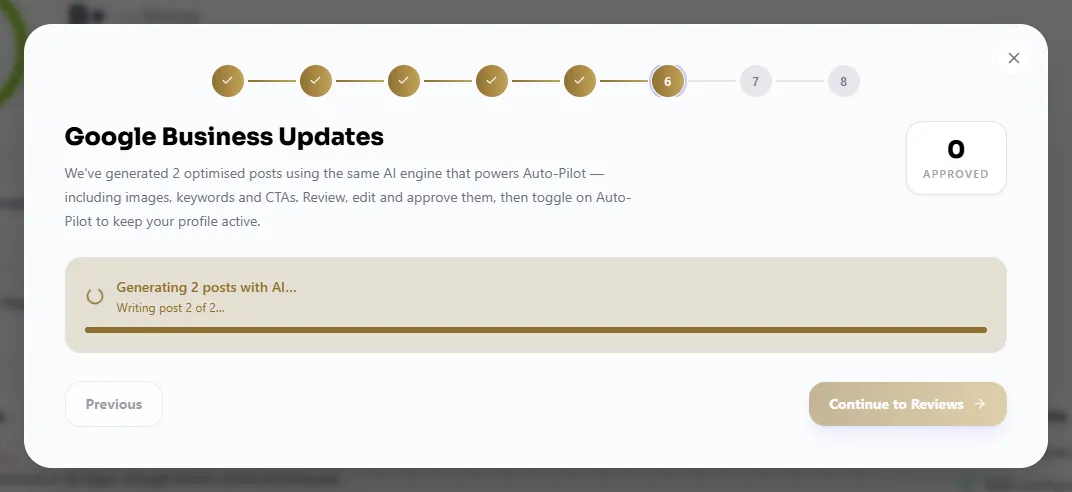
07 · Posts
Google posts come after the profile is worth posting on. The wizard drafts a few updates you can edit. On software only you accept them. On managed, a person checks the voice first.
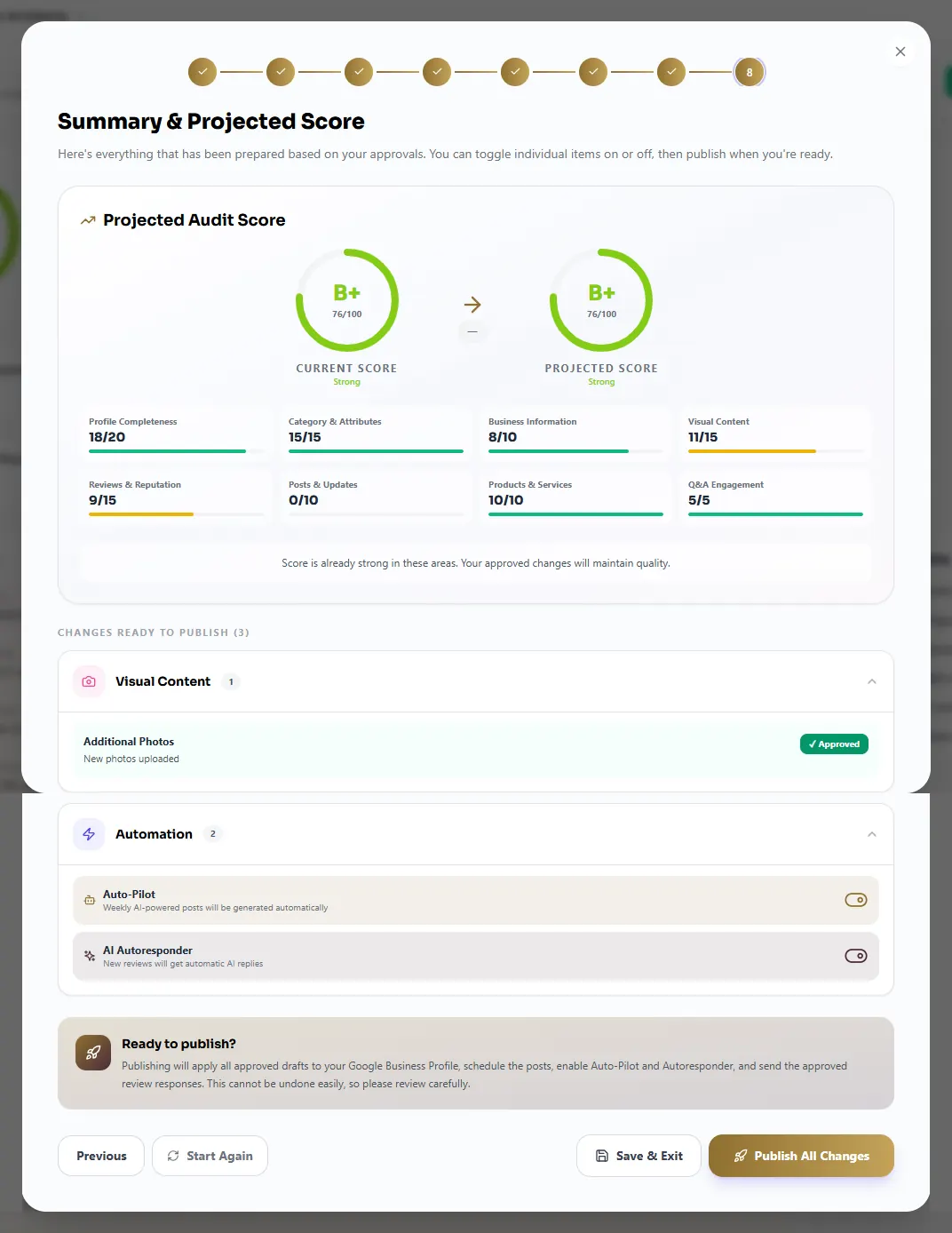
08 · The score you are heading for
The last screen shows the score you started with and the score the accepted steps point towards. You still choose what goes live. The wizard does not push the whole listing out in one go.
The wizard is there to stop a practice rewriting the whole listing in one unreadable pass.
Primary category Accountant. Secondary categories only for work you deliver. Services in the words a client types, not internal job codes.
The town named once. Real photos. Hours that match the door. No sentence that tells a stranger their tax position.
The first update waits until the listing can stand on its own. A post on an empty profile does not fix the category.
Practices looking for AI to optimise a Google Business Profile usually want the same assurance: nothing goes live by surprise.
From the audit, one step at a time: category, services, description, photos, hours, then posts. Each step is an edit you can accept or reject. The voice stays the firm’s.
Not on software only. You accept each step. On managed, a person still checks it before it goes live, and you can see the sequence.
The auditor scores the listing and lists the gaps. The wizard is how those gaps become edits, in an order a practice manager can follow.
No. A post can mention a deadline and invite a call. It must not tell someone what applies to them.
Also in the Platform
It reads the audit, builds a plan, and walks the listing one step at a time: profile fixes, categories and attributes, services, photos, then Google posts. You see a projected score at the end. Each step is an edit you can accept. It does not publish a pile of changes at once.
No. The steps are about the Google Business Profile. A post can mention Making Tax Digital as information and an invitation to call. It must not tell a stranger what applies to them.
A person does. The wizard proposes the edit. On managed, someone agrees the voice with you and checks the step before it goes live. That work sits inside the £249 per office, on top of the subscription.
Twenty minutes. We look at your listing and the searches around your office. You leave with a clear fee.
From the practice
Example comments for the layout. Not client testimonials yet.
“We could see the gaps in the listing the same afternoon. Posts and review replies no longer sit in someone else’s inbox.”
“The map shows where we rank around the office. That is more useful than one number in an agency deck.”
“I actually read the fortnightly note. Before this, I had no idea what was being posted in the firm’s name.”