
Six Silent Weeks
January is too busy to remember a post. The listing looks unattended by March.
Content scheduler
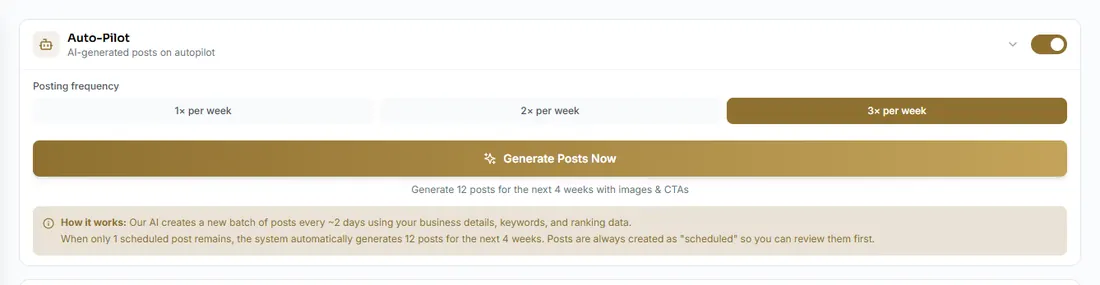
The content scheduler puts optimised updates on a calendar. Autopilot keeps a weekly cadence. You decide whether a person still presses publish.


 +Accountancy practices across the UK
This week
Thursday
Autopilot
On
Post a week
January is too busy to remember a post. The listing looks unattended by March.
One good post does not help if the next one is never written. The cadence is the point.
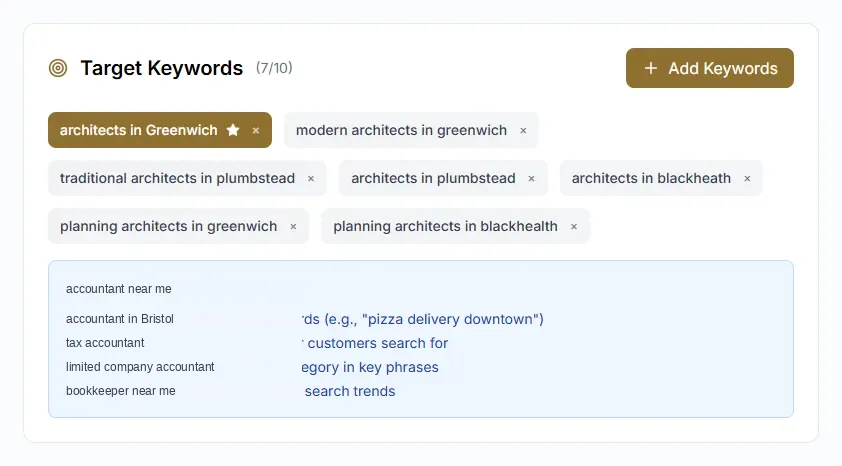
Name the service and the town. Do not repeat accountant near me until the sentence breaks.
A quiet listing is usually a busy practice, not an empty one. The scheduler keeps a weekly update without turning it into tax advice.
The rules
Set the weekly cadence and whether every post waits for approval. On software only, that switch is yours. On managed, a person reads the queue against the voice you agreed. The £249 per office is that reading, on top of the subscription.
The month
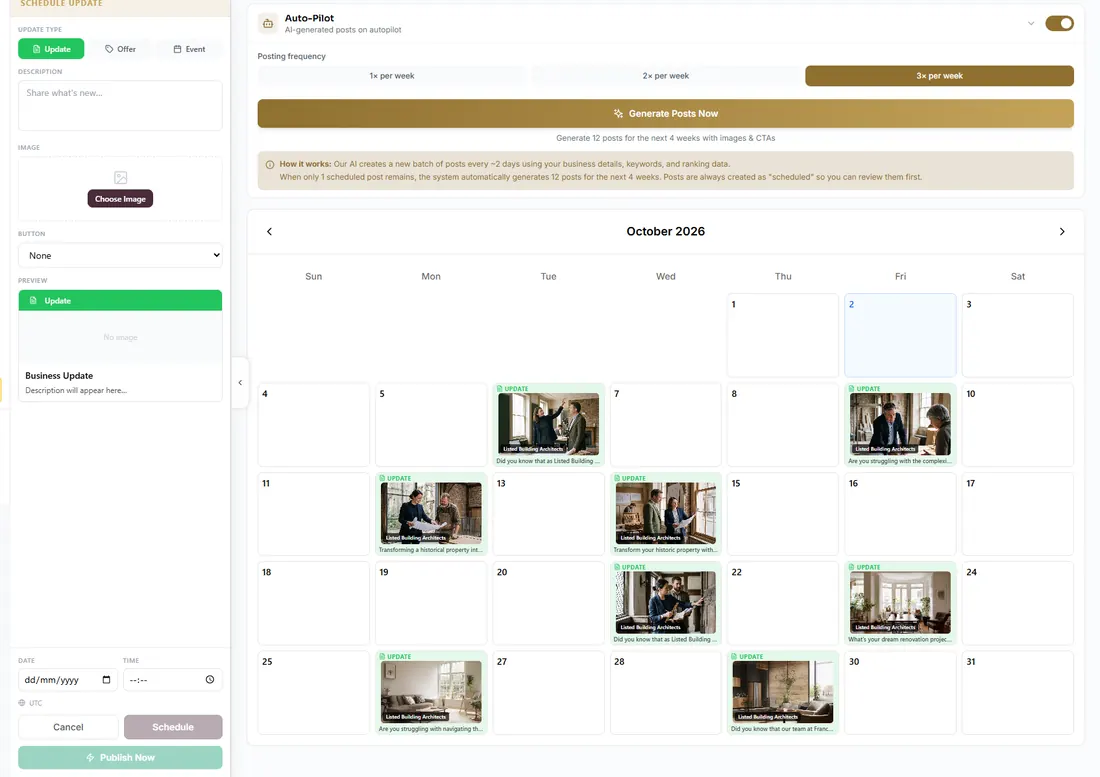
Scheduled, draft and published updates sit on a month view. You can see a gap before the listing goes quiet, instead of noticing in March that January never posted.
The draft
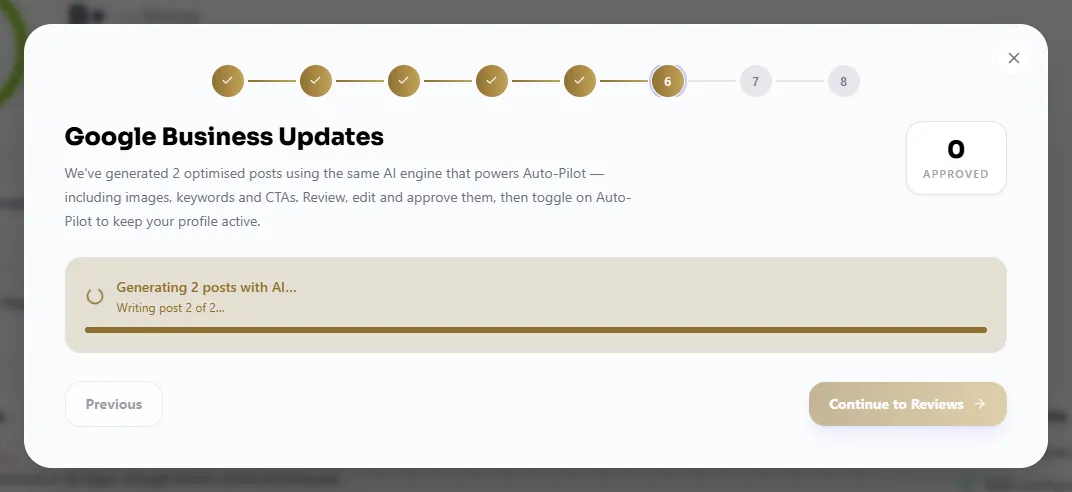
Autopilot drafts from the practice: a deadline, a service, an invitation to call. The keywords you track keep it local. A post should name payroll or year-end accounts once, in a normal sentence, not stuff accountant near me until it breaks.
What it is about
The same target keywords as the rank tracker. A post is not a second blog. It is a sign the listing is alive for the searches you care about.
A Google post for an accountant should be useful locally. It should not pretend to be a tax opinion.
Self assessment, payroll or a filing date, plus a plain invitation to call. Information, not a verdict on someone’s affairs.
Limited companies, VAT, payroll, bookkeeping. Name it the way a client would search, once, in a normal sentence.
A photo of the practice beats a stock skyline. Hours in the post should match the hours on the listing.
The content scheduler is for the weeks when nobody in the practice has time to remember Google.
Short listing updates: a deadline, a service, or an invitation to book. Queued in advance. Nothing that tells a stranger their tax position.
A weekly rhythm you set. You can hold every post for approval, or let it publish inside those rules. You can pause it.
The scheduler drafts from the practice. On software only, you approve or you trust the rules. On managed, a person reads the queue before it goes live, inside the £249 per office.
No. These are posts on the Google Business Profile. The website stays where it is.
Also in the Platform
Short Google Business Profile updates about the work the practice does: deadlines, services, and an invitation to call. They are written to be useful locally, not stuffed with accountant near me. You set the weekly cadence.
On software only, you choose. Hold every post for approval, or let the cadence publish inside rules you set. On managed, a person reads the queue before it goes live. That is part of the £249 per office, on top of the subscription.
No. A Making Tax Digital post can explain that the deadline is coming and that the firm can help. It must not tell a stranger what applies to them.
Twenty minutes. We look at your listing and the searches around your office. You leave with a clear fee.
From the practice
Example comments for the layout. Not client testimonials yet.
“We could see the gaps in the listing the same afternoon. Posts and review replies no longer sit in someone else’s inbox.”
“The map shows where we rank around the office. That is more useful than one number in an agency deck.”
“I actually read the fortnightly note. Before this, I had no idea what was being posted in the firm’s name.”