
The Category Is Vague
“Professional services” does not tell Google, or a client, that you are an accountant.
Google Business Profile for accountants
The listing is the page most local clients read before your website. In AccountancyHQ you edit categories, services, hours, photos, attributes and one clear description, then schedule the updates that keep it alive.


 +Accountancy practices across the UK
Listing
This week
Thursday
“Professional services” does not tell Google, or a client, that you are an accountant.
Year-end accounts, VAT, payroll and self assessment should be services, not a paragraph.
A city skyline does not help someone who wants to know whose door they are walking through.
Primary category: Accountant. Services in the client’s words. Hours that are true. A description that names the town once. Stuffing the keyword into every line does not help.
Overview
One office at a time. The profile manager is the Google Business Profile, not your website and not your tax software.
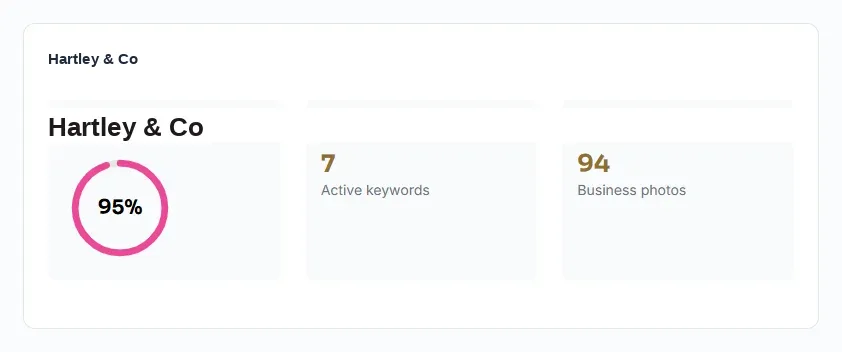
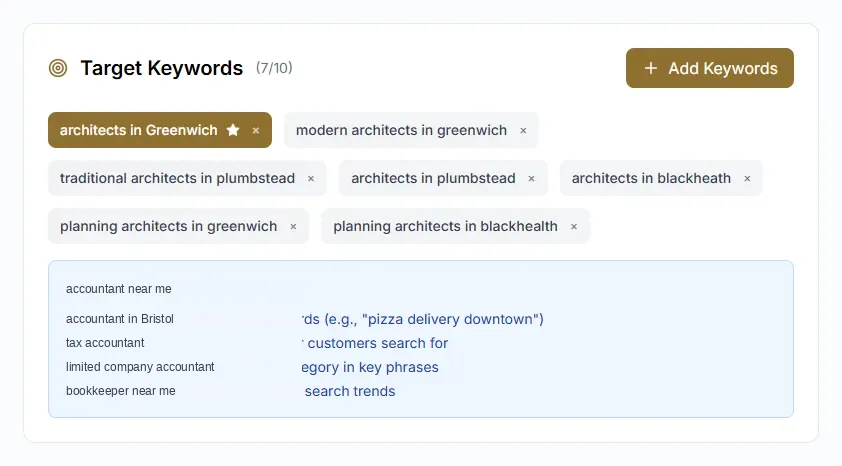
Keywords
Accountant near me, accountant plus the town, and the services. These are the words the audit and the rank grid use.
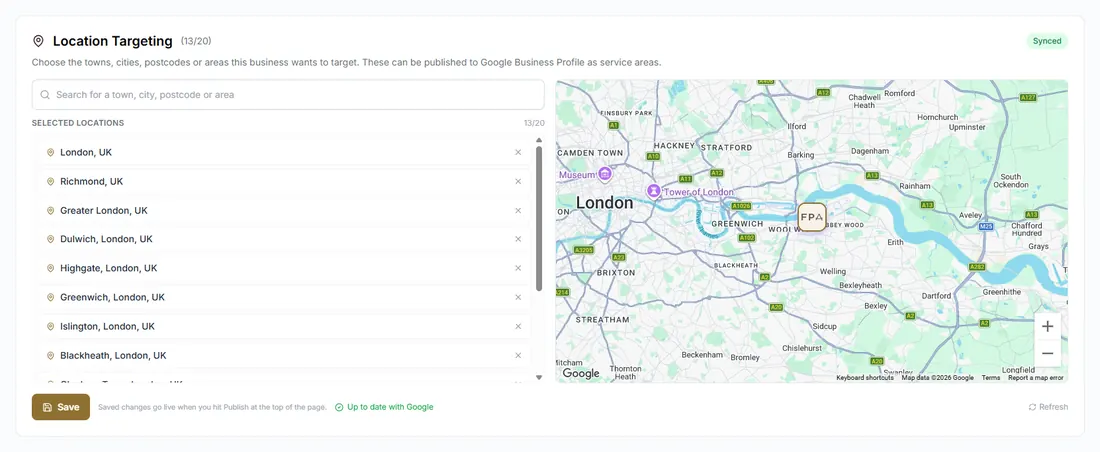
Where
You can see the office and the area the listing is meant to serve. A search from the industrial estate is not the same as a search from reception.
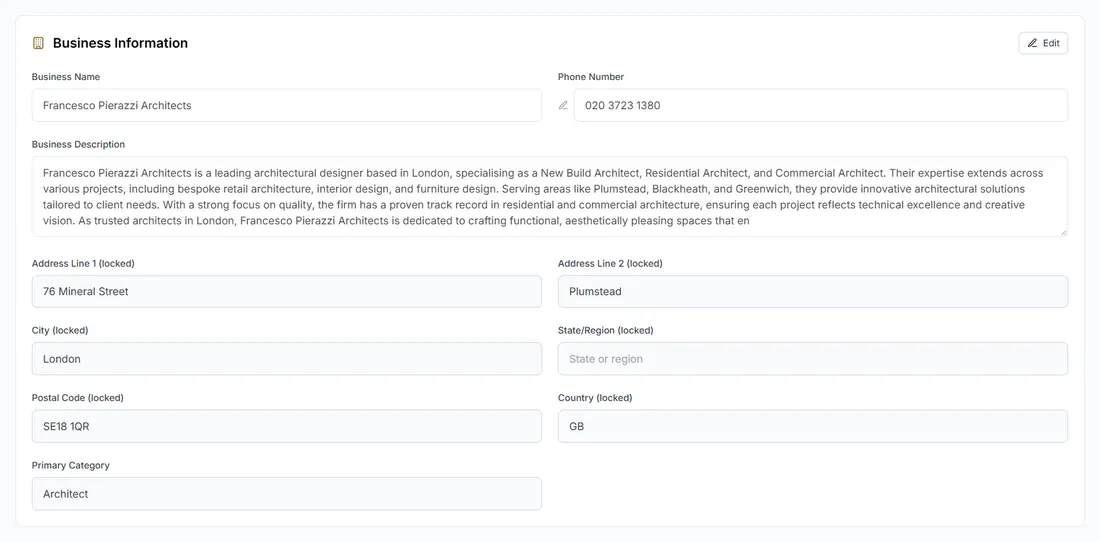
The facts
These have to match the website and the directories. The description is one clear paragraph, not a list of keywords.
Category
Professional services is how listings disappear. Accountant is the primary category. Add payroll or tax preparation only if that is work you deliver.

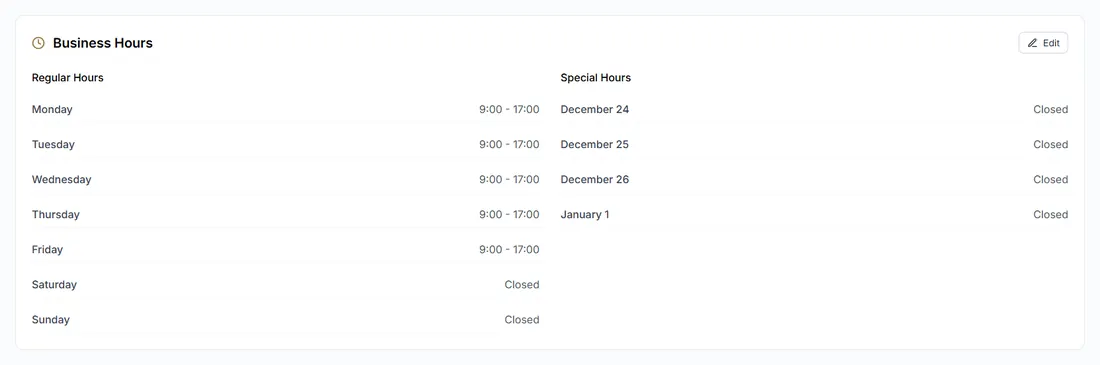
Hours
Including a note in self assessment season if you actually open. A listing that says 9 to 5 when the door is shut is a broken promise.
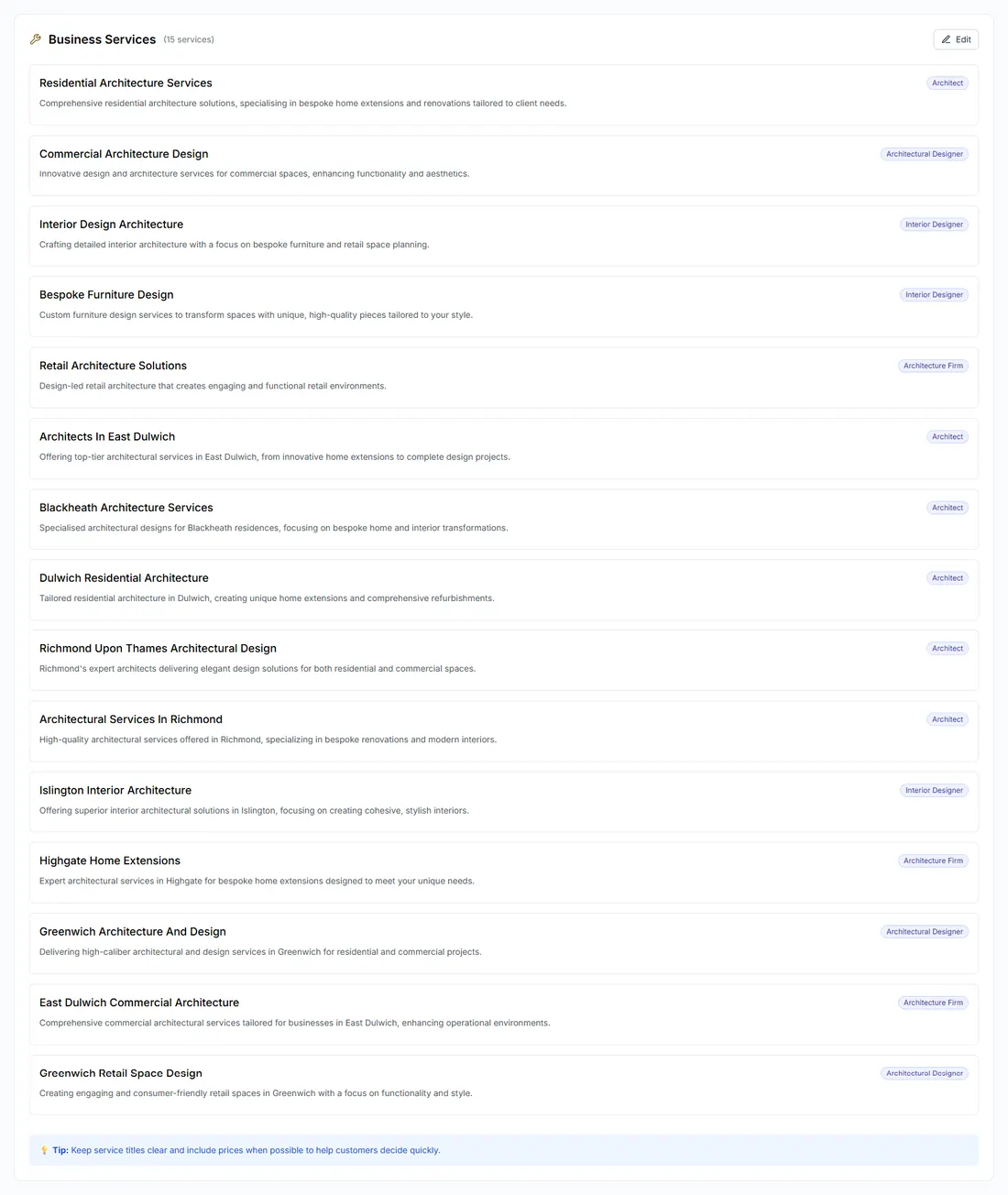
Services
Each service can have a short description. This is what a client searches. It is not an internal job code.
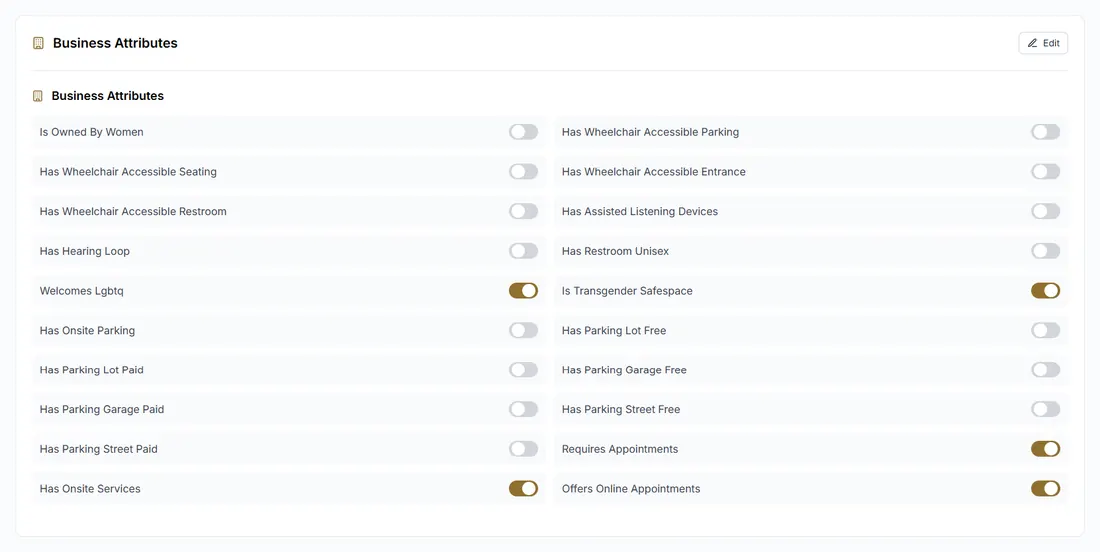
Attributes
Online appointments, accessibility, the way you work. Leave blank what is not true.
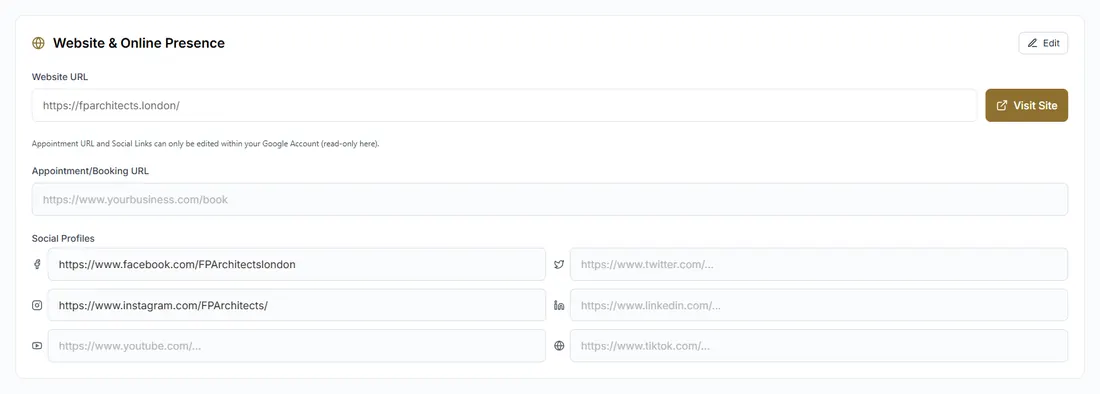
Website
The website URL on the listing should be the practice site. If the phone on the site is different, fix one of them.
Photos
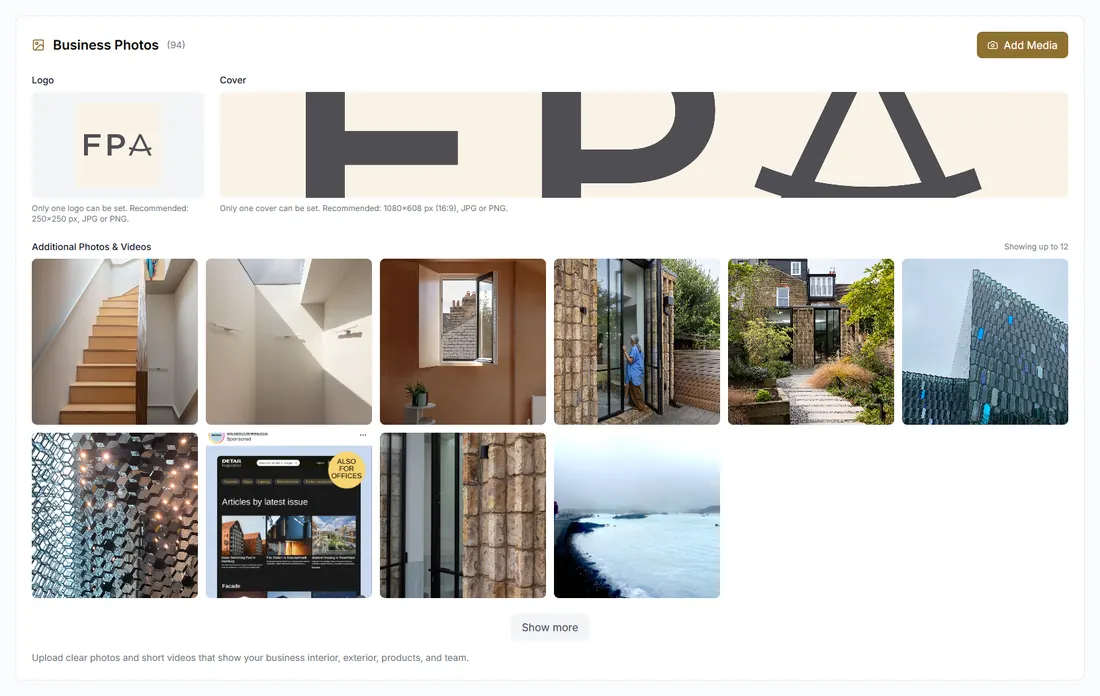
Logo, cover, and the people or the office a client will recognise. A city photograph does not tell them whose door this is.
Updates
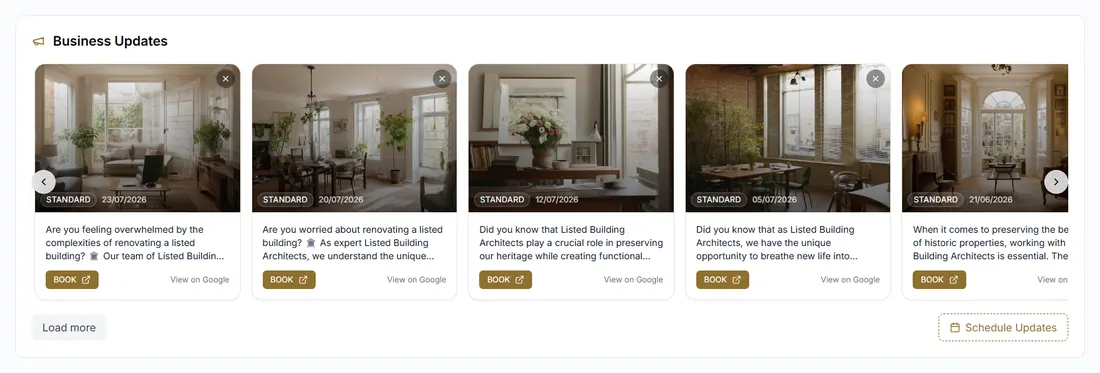
A deadline, a service, an invitation to call. Not tax advice. On managed, our team reads the queue. On software only, you do.
A Google Business Profile for an accountant is the page in Maps. These are the edits that change who calls.
Start with Accountant. Add a secondary category only for work you deliver, such as tax preparation, payroll or bookkeeping. A category you do not practise attracts the wrong call.
Name the services clients search for, mention the town once, use real photos, and keep the hours true. The website stays where it is. This is the Google listing only.
A short update a local business might read: a deadline, a service, an invitation to call. Information, not tax advice. Scheduled, so January does not erase it.
Yes. Services and the way you describe the work can be consistent. The town, the phone and the photos change per office. You still approve what is different.
Also in the Platform
Start with Accountant. Add only secondary categories you genuinely deliver, such as tax preparation, payroll or bookkeeping. A category you do not practise attracts the wrong call.
Set the category, name the services clients search for, mention the town once in the description, use real photos, keep the hours true, and publish the occasional post. Then keep the name, address and phone identical everywhere else.
Yes. Hours, services and descriptions can follow one standard, with the town written properly for each office. You still approve what is different.
No. This is the Google Business Profile: the listing in Maps and the local pack. Your website stays where it is.
Twenty minutes. We look at your listing and the searches around your office. You leave with a clear fee.
From the practice
Example comments for the layout. Not client testimonials yet.
“We could see the gaps in the listing the same afternoon. Posts and review replies no longer sit in someone else’s inbox.”
“The map shows where we rank around the office. That is more useful than one number in an agency deck.”
“I actually read the fortnightly note. Before this, I had no idea what was being posted in the firm’s name.”